
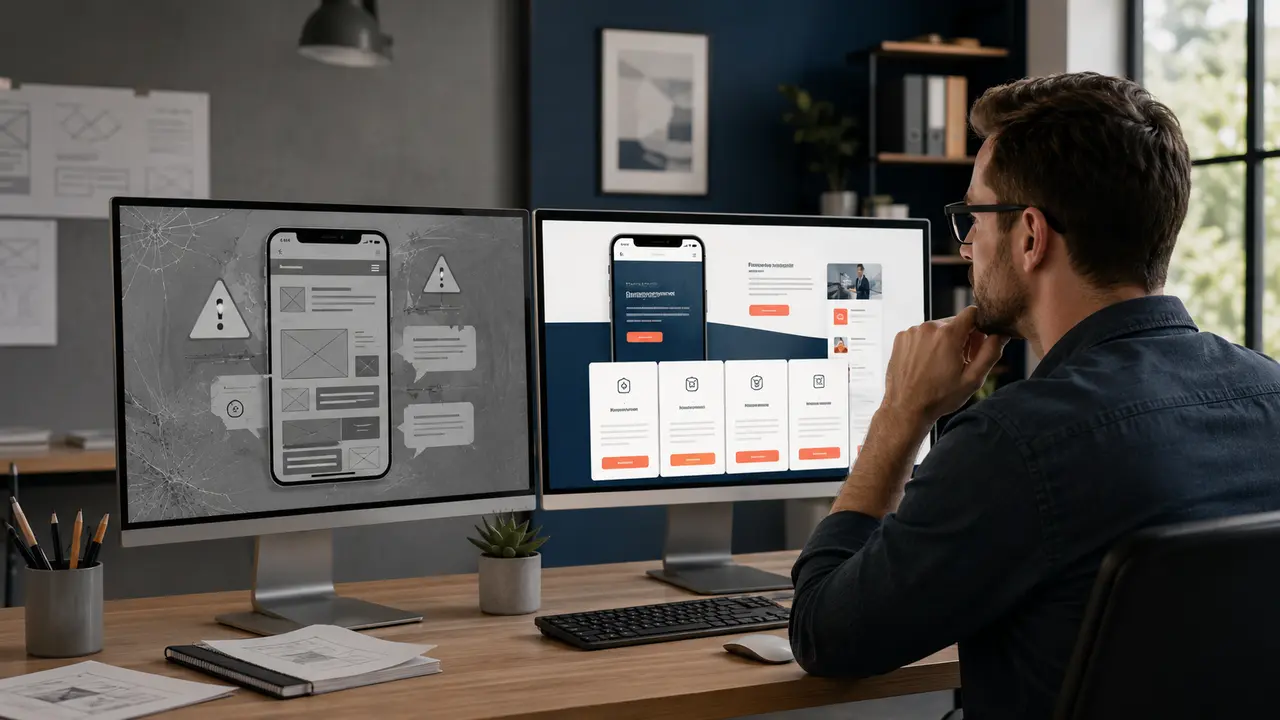
A redesign should solve a business problem, not merely replace colours. Some websites need a full rebuild; others need faster hosting, clearer service pages or a repaired enquiry journey. This diagnostic list helps you decide before paying for unnecessary work.
Customer-experience warning signs
1. Visitors cannot understand the business quickly
The first screen should identify what you offer, who it serves and the next action. A slogan without context makes visitors work too hard.
2. The mobile version feels squeezed
Text should be readable without zooming, buttons should be easy to tap, and cards should not break into awkward columns. Test on real phones, not only an editor preview.
3. Important actions are hidden
If a customer has to search for the phone number, WhatsApp, directions, booking or quotation form, the site is creating friction at the most valuable moment.
4. Pages load slowly
Oversized images, excessive animation, poor hosting and unnecessary plugins can delay interaction. Measure before changing tools; the largest problem may be one banner image rather than the entire platform.
5. Forms fail or messages disappear
Submit every form yourself and confirm delivery, error messages and mobile usability. A form that looks correct but never reaches the business is a silent sales leak.
Content and trust warning signs
6. Services are described in one vague paragraph
Commercially important services deserve focused pages that explain deliverables, process, proof, FAQs, service area and the next step.
7. The website displays outdated information
Old prices, former staff, invalid phone numbers, closed locations and expired offers damage trust. “Latest news” from several years ago can have the same effect.
8. Photos do not represent the real business
Generic stock images may be attractive but cannot prove rooms, vehicles, products, people or completed work. Use original photography where evidence matters.
9. There is no visible proof
Portfolios, case studies, authentic testimonials, certifications and clear policies help a buyer assess risk. Proof should be specific enough to be credible.
10. Contact details disagree across the web
The website, Google Business Profile and major listings should use consistent core information. Correct inconsistencies before expanding local SEO.
Search and measurement warning signs
11. Google cannot find important pages
Blocked crawling, missing internal links, accidental noindex settings, broken canonical tags or a disabled sitemap can hide good work. Diagnose indexing before rewriting everything.
12. Every page targets the same phrase
The homepage and service pages should have distinct jobs. Competing pages with almost identical content confuse visitors and can weaken search performance.
13. URLs or navigation have no structure
Customers should predict where information lives. A clear Services menu and descriptive URLs also help search engines understand relationships.
14. No one knows which enquiries came from the website
Track important calls, forms, WhatsApp clicks and bookings with appropriate consent and privacy controls. Without measurement, redesign decisions become opinions.
15. Staff avoid sharing the website
This is an underrated signal. Ask why: incorrect content, embarrassing design, hard navigation or lack of useful material. Their answers often reveal the real redesign brief.
Redesign, repair or improve content?
| Situation | Likely response |
|---|---|
| A few broken forms or links | Targeted repair and testing |
| Strong design but weak service information | Content and navigation improvement |
| Old builder, fragile layout and poor mobile experience | Structured redesign or rebuild |
| Traffic exists but enquiries are weak | Conversion diagnosis before visual changes |
| No search visibility and no measurement | Technical, content and tracking audit |
A safer redesign process
- Record current traffic, rankings, enquiries and best-performing pages.
- Interview staff and customers about missing information.
- Map old URLs to the new structure.
- Approve content and mobile wireframes before decoration.
- Build and test in a staging environment.
- Preserve valuable URLs or implement correct redirects.
- Check forms, analytics, metadata, sitemap and indexing after launch.
Changing a popular URL without a proper redirect can remove years of accumulated visibility. A redesign plan must include migration, not only layout.
Frequently asked questions
How often should a website be redesigned?
There is no fixed schedule. Redesign when technology, customer expectations or business goals create measurable problems—not because a calendar says so.
Will a redesign improve rankings?
It can improve usability, crawlability and content, but it can also reduce visibility if URLs and valuable pages are mishandled.
Can we redesign in phases?
Yes. High-value pages and shared navigation can launch first when dependencies and redirects are planned carefully.
Should all old content be deleted?
No. Keep, improve, consolidate or redirect based on usefulness and evidence. Deleting blindly wastes assets that may still help customers.
Plan your redesign around business results
Eappsi can audit your present site, preserve useful content and rebuild the mobile experience around calls, enquiries and bookings.