
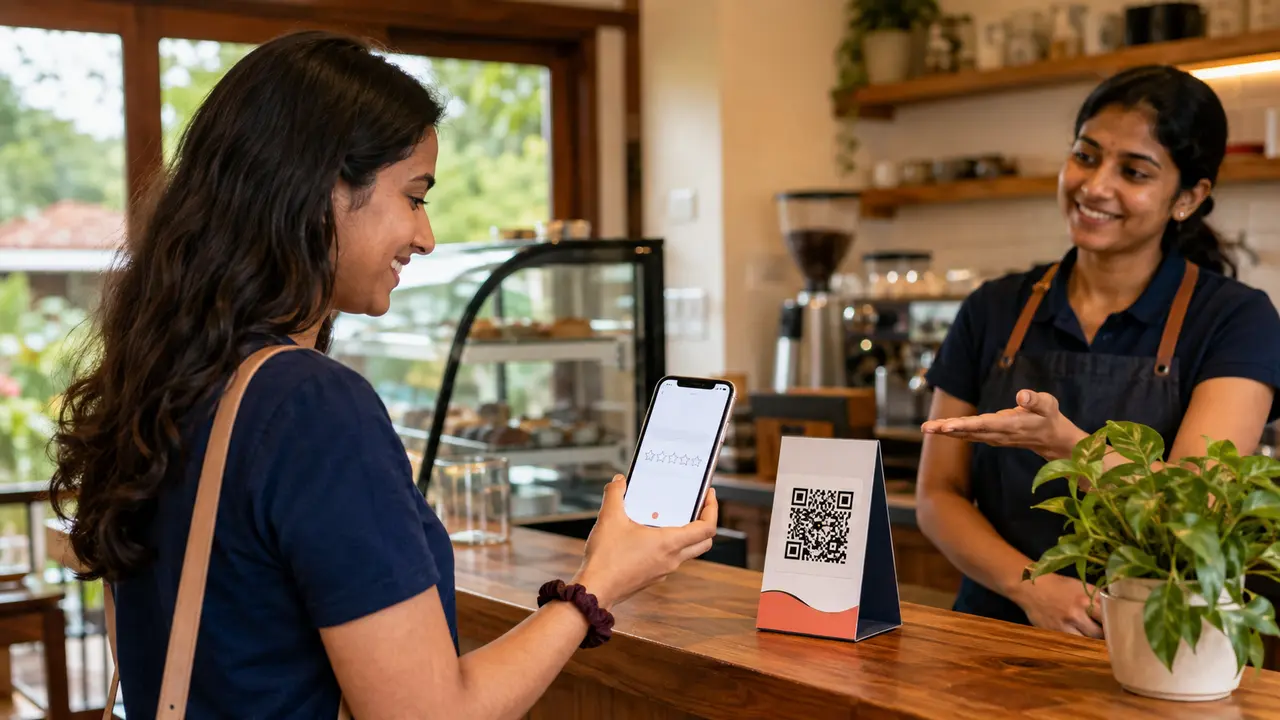
Google reviews can help prospective customers understand a business, but the request process matters. The safest approach is simple: ask real customers for an honest review, make the link easy to access and accept that not every response will be positive.
This guide is for hotels, homestays, restaurants, shops, clinics, taxi operators and service businesses that want a repeatable system their staff can use responsibly.
The three principles
Do not select only customers expected to praise you.
Request an honest experience, not “five stars”.
Use the correct direct link, QR code or NFC tap.
Choose the right moment
Ask after the customer has received the service and had a chance to evaluate it. A restaurant can ask after billing, a homestay after checkout, a taxi company after completing the trip, and a web agency after delivering an agreed milestone. Avoid interrupting customers or linking the request to refunds, deposits or essential support.
Scripts your team can use
In person
“Thank you for choosing us. If you would like to share your honest experience, you can tap or scan here. Your feedback helps future customers make an informed choice.”
WhatsApp follow-up
“Thank you for visiting [Business Name]. We hope everything went well. If you have a moment, you can share your honest feedback here: [review link]. If anything needs our attention, you can also reply directly to this message.”
For an existing client
“We appreciate the opportunity to work with you. Your honest feedback about the project and support would be valuable to other business owners: [review link].”
What is review gating?
Review gating means filtering customers by satisfaction and sending only positive respondents to a public review platform while directing unhappy respondents elsewhere. A business can always offer customer support, but access to the public review link should not depend on first giving a favourable private score.
Do not use these methods
- Discounts, gifts, cashback or prize entries in return for positive reviews
- Staff-created or purchased reviews
- Friends reviewing a service they did not receive
- A device at the counter where many customers review from the same account or setup
- Copy-and-paste review text supplied by the business
- Pressure to review before completing checkout, refund or support
Build a simple staff process
- Confirm the official review link for the correct location.
- Decide one or two natural request moments.
- Give staff a neutral one-sentence script.
- Place a tested QR/NFC stand where it is visible but not intrusive.
- Send no more follow-ups than are genuinely helpful.
- Monitor new reviews and respond professionally.
- Discuss recurring criticism operationally, not defensively.
How to respond to reviews
A response should sound human and protect customer privacy. Thank positive reviewers with a specific but non-sensitive reference. For a negative review, acknowledge the concern, avoid arguing, state the next step and invite direct contact where investigation requires personal details.
Do not insert target keywords unnaturally into every response. The primary audience is the customer and everyone considering the business later.
Reviews are also business research
Group feedback by themes—cleanliness, response time, directions, staff behaviour, product quality or clarity of pricing. Repeated themes can reveal what should change on the website and inside the business. A complaint about finding the location, for example, may justify better directions and a landmark photo.
Frequently asked questions
Can I ask every customer for a review?
You can invite genuine customers, provided the request is neutral and follows the platform’s policies. Avoid mass messaging without appropriate consent.
Can an employee help a customer write the review?
Explain how to open the link, but let the customer choose the rating and words independently.
Should I remove a QR stand after a negative review?
No. Investigate the underlying issue and continue using a consistent, honest process.
What if a review is fake?
Use Google’s reporting options and document why it appears to violate policy. Do not threaten the reviewer publicly.
Google’s official guidance explains how businesses can request and respond to reviews.
Make honest feedback easier
Eappsi creates branded QR review stands, NFC cards and business-links pages, configured and tested for your exact profile.