
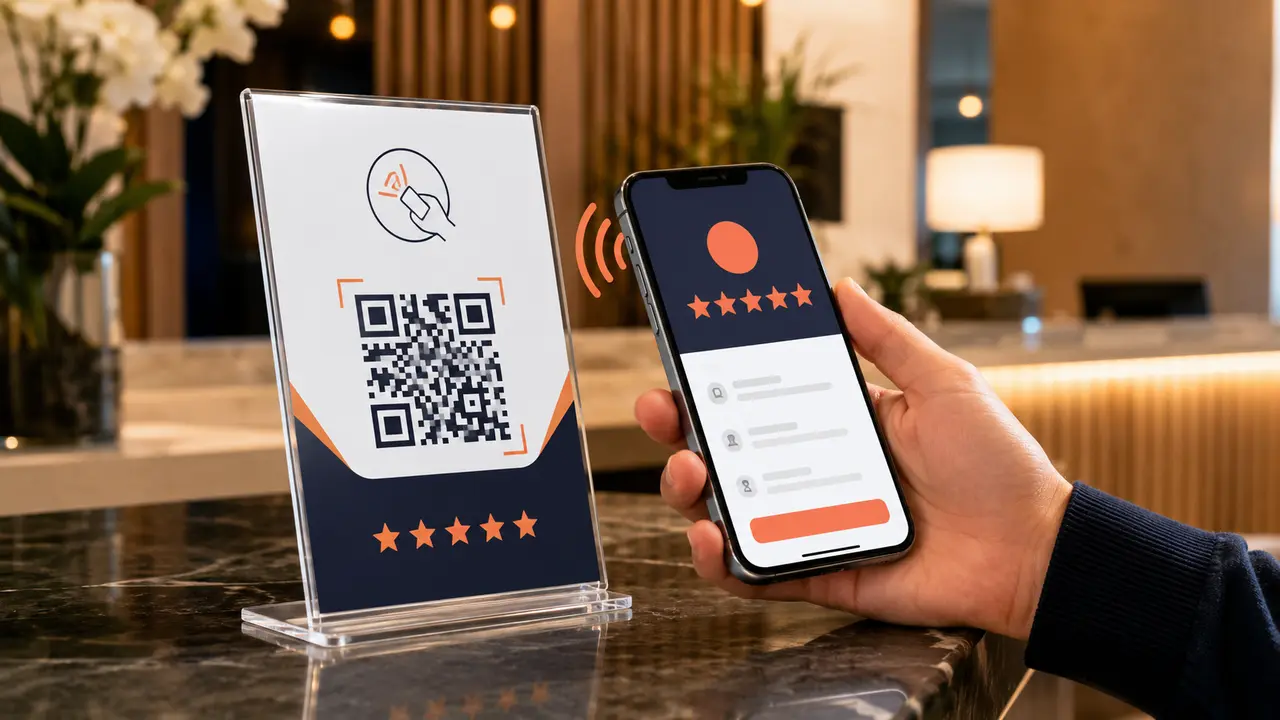
A satisfied customer may intend to leave a review but never search for the business later. A Google review NFC card or QR stand shortens that journey: the customer taps or scans, the business profile opens, and the customer can choose whether to share an honest review.
The technology is simple. The value comes from where it is placed, how staff introduce it and whether the business follows a fair review policy.
The customer journey in four steps
The phone reads an NFC chip or QR code.
The customer approves opening the page.
Google displays the review interface.
The customer decides what to publish.
What is NFC?
Near-field communication allows compatible phones to read a small programmed chip at very close range. No separate app is normally required; modern phones handle the interaction through the operating system. The card does not collect the customer’s contact information or write the review for them. It only opens the configured destination.
What does the QR code add?
A printed QR code offers a visible alternative for phones or users who do not use NFC. Customers open the camera, point it at the code and tap the displayed link. Combining both methods makes a stand usable by more people.
Card, table stand or counter stand?
| Format | Best use | Watch for |
|---|---|---|
| NFC card | Mobile staff, checkout or hand-to-customer use | Keep the tap area clear and explain it briefly |
| Table stand | Restaurants, cafés, reception desks and rooms | Avoid clutter and place it after the service experience |
| Counter stand | Shops, clinics, salons and billing counters | Do not block the QR code or bury it behind products |
Good places to use one
- Hotels and homestays: reception or checkout, after confirming the guest was satisfied.
- Restaurants: billing counter or table, introduced without pressure.
- Taxi services: a card presented safely after the trip—not while driving.
- Clinics and salons: reception after the appointment, while protecting customer privacy.
- Retail stores: near checkout where staff can explain the tap or scan action.
The correct way to ask
“Thank you for visiting us. If you would like to share your honest experience, you can tap or scan here. Your feedback helps other customers understand our service.”
This wording requests an honest review rather than a five-star rating. Staff should ask customers consistently instead of selecting only people expected to leave positive feedback.
Practices to avoid
- Offering discounts, gifts or payments for positive reviews
- Using a private form to divert dissatisfied customers while sending only happy customers to Google
- Writing reviews on behalf of customers
- Pressuring guests to review before returning a deposit or completing service
- Sending a review link that belongs to the wrong branch or business
Setup checklist before printing
- Confirm the exact Google Business Profile.
- Generate and test the official review link.
- Test the QR code on Android and iPhone.
- Program and test the NFC destination.
- Use a short instruction such as “Tap or scan to review”.
- Make the business identity clear.
- Test again after printing or installation.
Can the destination be changed later?
Some NFC products can be reprogrammed, while a printed QR code normally continues pointing to the encoded URL. A managed redirect can offer flexibility, but it should be stable, secure and owned by the business. Ask what will happen if the Google listing or link changes.
Frequently asked questions
Does NFC work when the phone has no internet?
The phone may detect the tag, but internet access is needed to load Google and submit the review.
Does tapping automatically publish five stars?
No. The customer chooses the rating and text and decides whether to submit.
Can one card open WhatsApp, Maps and social links?
Yes, if it points to a professionally built business-links page. For a review-specific product, opening the review journey directly usually involves fewer steps.
Is a QR stand enough by itself?
It removes technical friction, but staff timing and service quality still determine whether customers respond.
Google provides an official method for businesses to create a review link or QR code.
Create a branded review experience
Eappsi supplies QR stands, NFC review cards and business-links landing pages designed around your brand and customer journey.