
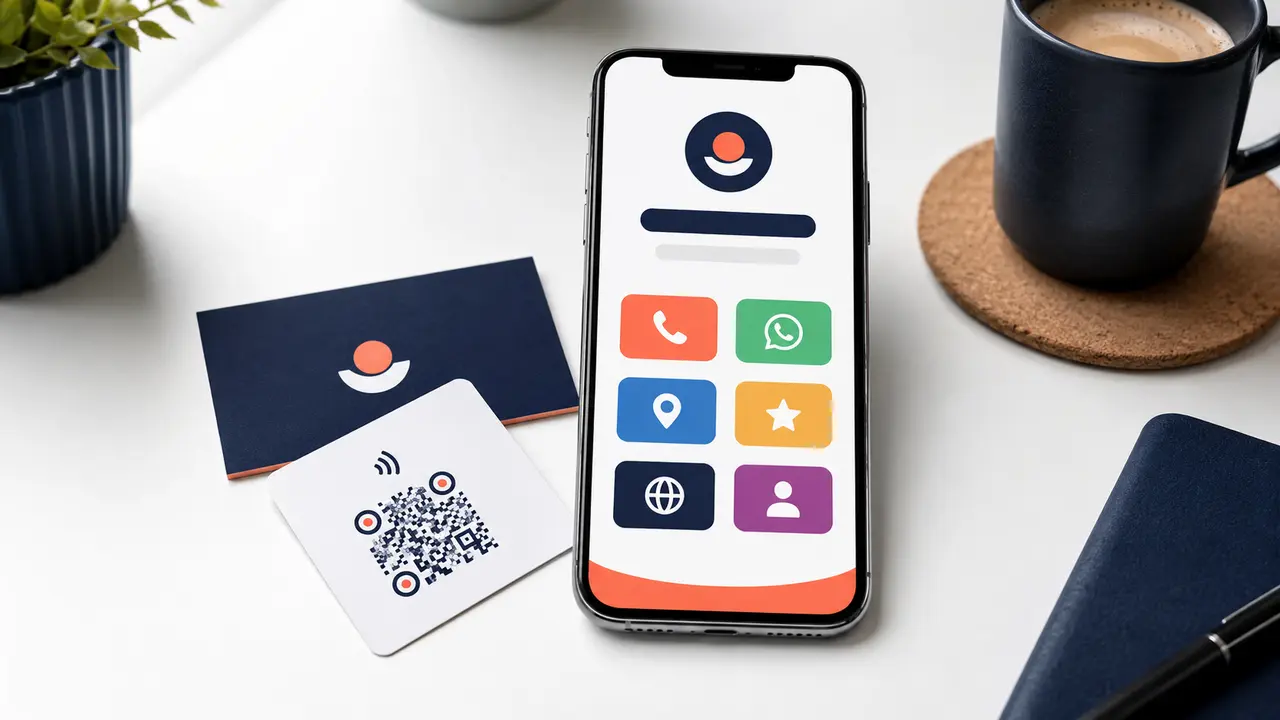
A social-media bio allows only limited space. A printed QR code cannot explain every contact option. An NFC card works best when the destination remains useful after the first tap. A branded business-links page solves this by organising the few actions customers need in one fast mobile page.
It is similar to a link-in-bio page, but it should be designed around the business journey rather than becoming a random list of icons.
What should the page contain?
Identity first
Show the correct business name, logo, short description and location. A visitor arriving from a printed card should know immediately that the page is genuine.
Primary contact actions
Call and WhatsApp should appear near the top when direct communication is the main goal. A pre-filled WhatsApp message can identify the product, branch or campaign that brought the visitor.
Maps and directions
Use the correct Google Maps destination for businesses customers visit. Add a short landmark only when it reduces real local confusion.
Review action
Link to the official Google review interface and label it honestly—for example, “Share your experience”. Do not disguise the destination or ask only selected customers.
Website and important service pages
A homepage may be enough for simple businesses. Others should link directly to bookings, menus, catalogues, packages or quotations so users do not repeat the search.
Social profiles
Include only channels actively maintained by the business. Empty profiles and broken handles reduce confidence.
A better information hierarchy
What the business does and where
Business examples
A homestay
Prioritise WhatsApp availability, call, directions, room page, Google reviews and Instagram. Add check-in information only if it is safe to share publicly.
A restaurant
Prioritise directions, call, menu, table or delivery link, review action and Instagram. Keep opening hours accurate on both the landing page and Google profile.
A taxi operator
Prioritise WhatsApp booking with route fields, call, fleet, package pages and reviews. A QR printed inside the vehicle can use a review-first variant after the trip.
A consultant or agency
Prioritise enquiry, portfolio, services, appointment booking, location and professional profiles. Avoid burying the work examples beneath social icons.
One link or several QR codes?
Use a direct review QR when the single purpose is collecting feedback after service. Use a business-links destination on visiting cards, packaging, brochures, social bios and general NFC cards where customers may want different actions.
| Placement | Best destination |
|---|---|
| Checkout review stand | Direct Google review link |
| Business card | Business-links page |
| Instagram bio | Business-links page with current priority first |
| Product packaging | Product, support or business-links page |
| Payment counter | Separate verified payment QR; do not mix actions ambiguously |
Technical and ownership checklist
- Fast loading on ordinary mobile connections
- HTTPS and a domain the business controls
- Large tap targets and readable text
- Accurate icons and destination labels
- Tested phone, WhatsApp, Maps and review links
- Privacy-respecting analytics where needed
- Easy future editing without reprinting the NFC product where technically possible
- No unnecessary personal information
Measure what customers use
Track button clicks to learn whether visitors prefer calling, WhatsApp, directions or the website. Use the insight to change order and emphasis. Do not collect more customer data than necessary merely because the technology allows it.
Frequently asked questions
Do I need a separate app?
No. A well-built business-links page opens in the phone’s normal browser.
Can I use my own domain?
Yes, and this can strengthen trust and ownership. The implementation may use a dedicated page or short branded URL.
Can the links be changed?
The web page can be updated. Whether the encoded QR or NFC destination itself can change depends on how the product is configured.
Is it a replacement for a full website?
No. It is a contact hub. A full website provides deeper service information, search landing pages, proof and educational content.
Put every important business action behind one tap
Eappsi designs branded business-links pages and connects them to QR stands, NFC cards and printed materials.